Order Management
Orders captured once, right first time.
Your trade customers order online with their own catalogue, prices and delivery dates. Every order lands in your ERP without re-keying.
- Orders keyed onceStraight into your ERP
- Their price, every timeAccount pricing from your ERP
- Delivery booked at checkoutRun or pick-up, with a date

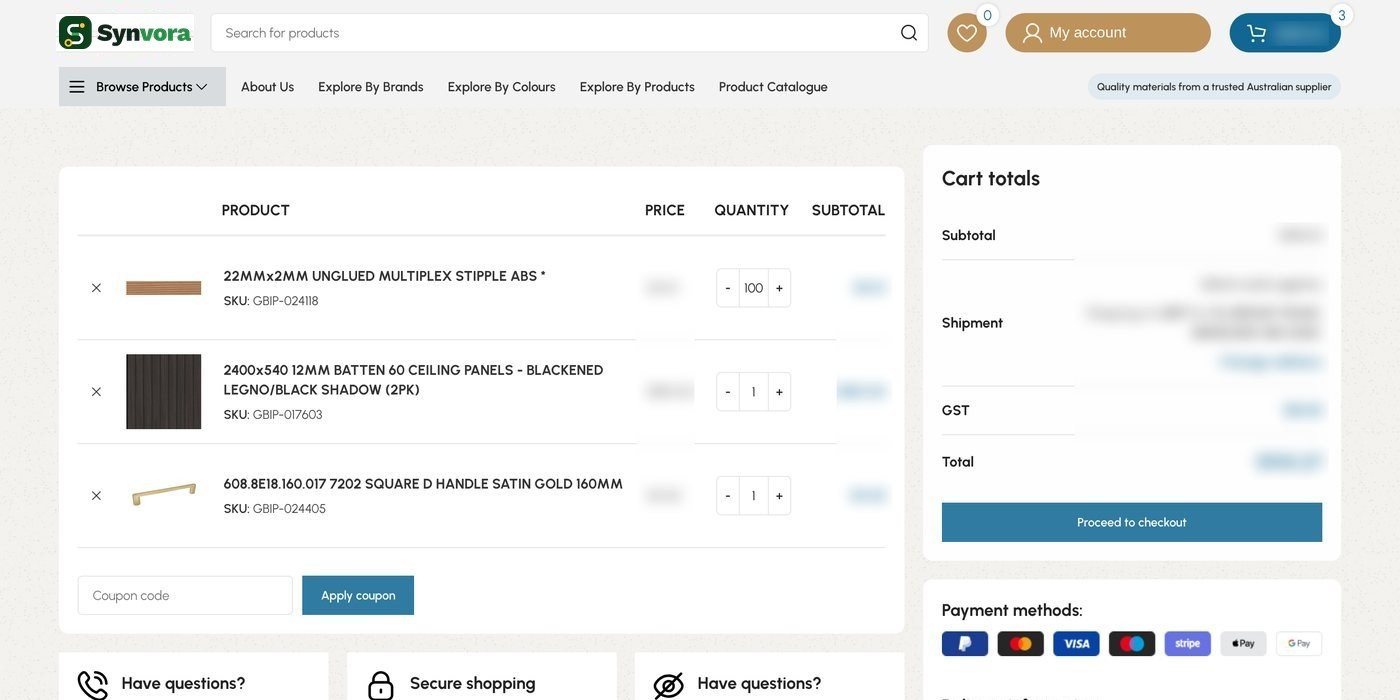
From cart to sales order.
Click a step to see it live on GBI’s ordering portal.


Customers order at 9pm. Accounts sees it at 9am.
- Trade customers
Order any time, on desktop or on site, at their own prices.
- Sales reps
Place orders for customers while they’re with them.
- Accounts
Orders arrive in the ERP at the right price, ready to invoice.
One order, through the whole operation.
OrderPad captures the order. The warehouse picks it, delivery takes it to the door, and the ERP keeps the record.
Warehouse Management
Orders arrive ready to pick, with stock checked.
See moreDelivery Management
The delivery date chosen at checkout becomes a run.
See moreERP integration
Live with Sage X3. Sage, MYOB and Xero are standard connectors; other ERPs are scoped with you.
See more Optional add-onSynvoraBot
Turn an emailed PO into a draft order at the customer’s price, for you to approve.
See moreOrderPad at Gibson Benness Industries
Trade orders arrived by phone and email and were keyed into Sage by hand. Customers couldn’t see their own prices or stock.
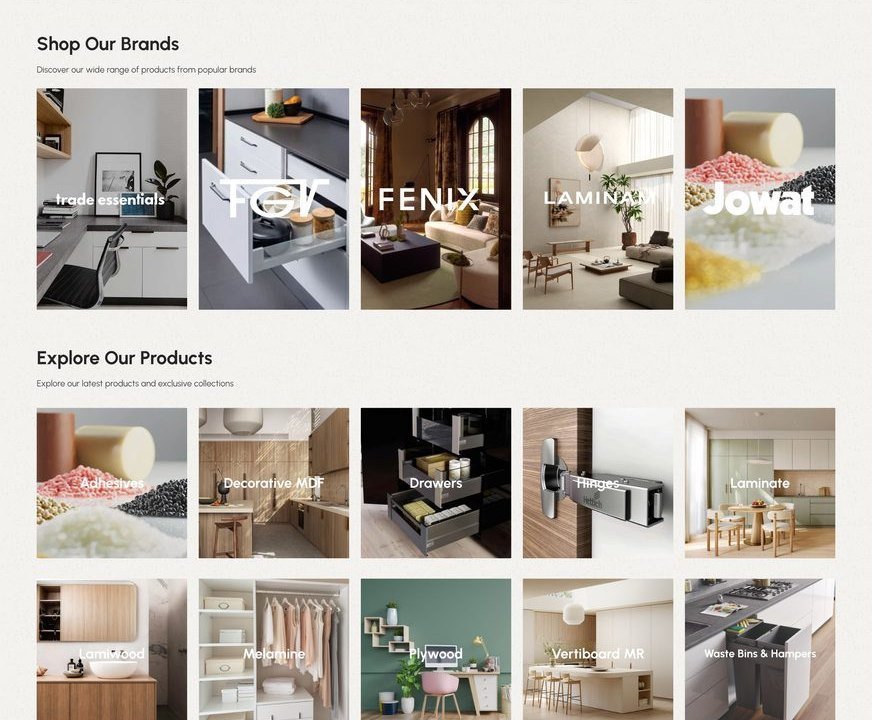
Customers order online by brand and range, at their account price, and book delivery or pick-up at checkout.
Real-time sync of customers, products, prices and orders with Sage X3.
Each order becomes a Sage sales order automatically, with the right price and delivery date.

Which ERPs does OrderPad work with?
It runs in production with Sage X3. Sage, MYOB and Xero are standard connectors, and other ERPs with an API, file export or database are scoped per project.
Will each customer see their own prices?
Yes. Pricing comes from the customer’s account in your ERP, so it’s always their price, including discounts and credit balance.
Can our reps order on behalf of customers?
Yes. Reps can place orders for their customers, including on mobile.
Which payment options are supported?
Card, bank transfer and on-account payment, depending on what you offer each customer.
Can customers repeat past orders?
Yes. They can re-order from their order history in one click and adjust quantities before checkout.
How long does a rollout take?
After a two-week discovery, a standard OrderPad rollout typically goes live in 6–12 weeks.
Planning your next logistics project?
Tell us how orders move today. We’ll show you where the time goes, and what to fix first.